
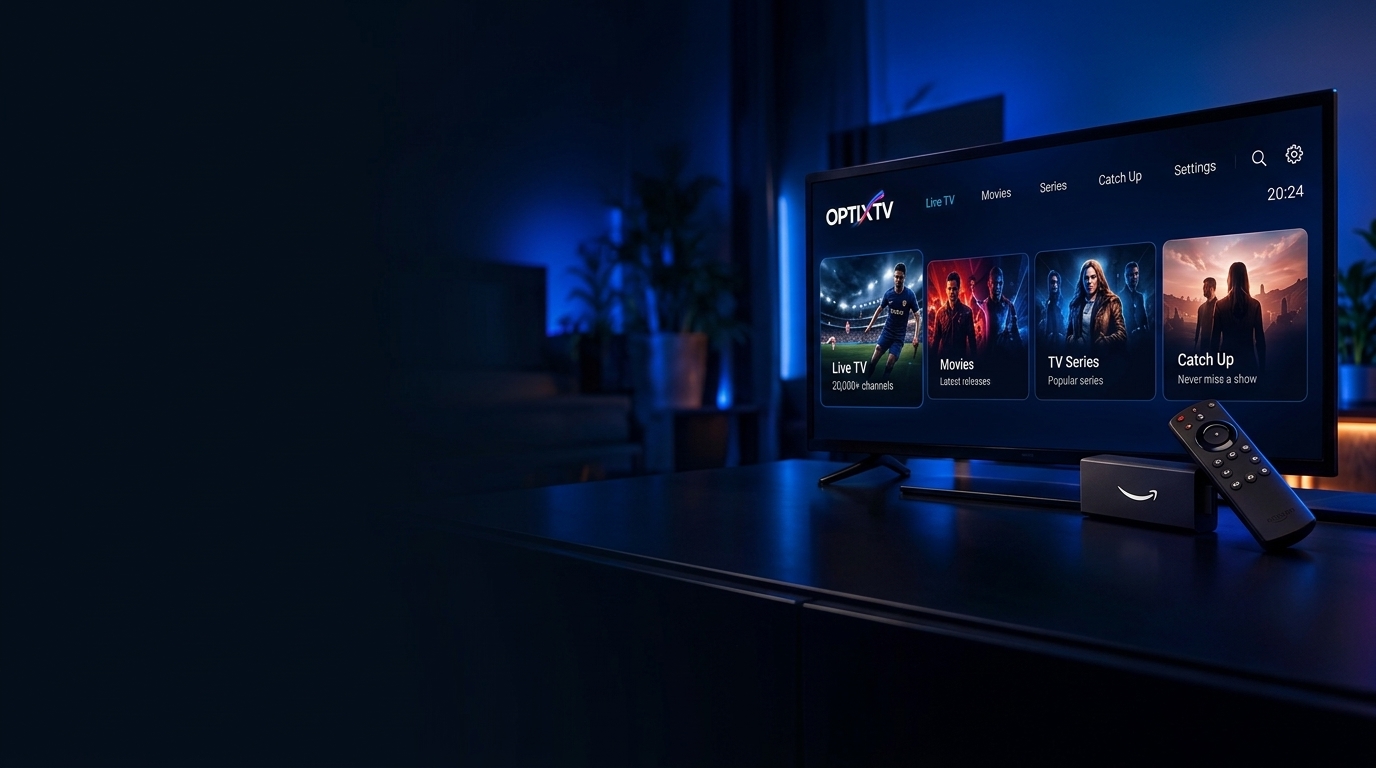
Fire TV Setup
Firestick & Fire TV Cube
Follow these 4 simple steps to install OPTIXTV on your Firestick or Fire TV. This takes around 3 minutes.
Install Downloader
Open the Amazon App Store and install the official Downloader app.
- 1Press the Home button on your Firestick remote.
- 2Go to Find > Search.
- 3Type Downloader and select it.
- 4Click Get or Download to install.
What to Type When an App Asks for “Xtream Codes”
When you sign in to your OptixTV account, this box automatically fills with your real Server URL, Username, Password, and M3U URL.
Your optixtv login fields
optixtvSign in to viewSign in to viewSign in to viewSign in to viewPrefer M3U? Choose the “M3U URL / Playlist” option in Strand Media Hub, UHF, or Smarters Player Lite and paste the M3U URL instead.
Example in TiviMate & TubPlayer
This is what the screen looks like in TiviMate and TubPlayer using the fields you will fill in after signing in:
💡 Tip: Always include http:// at the start of the Server URL and check that your TV keyboard hasn't added a space at the end.
Tested & Verified OptixTV Players
You only need to install one app for your device. Copy the code or open the official download link.
Fast D-pad remote navigation, rich TMDB movie posters, full EPG TV guide, and Google Drive backup. Completely free forever.
The classic living-room EPG TV guide layout built specifically for Firestick, Nvidia Shield, and Android TV boxes.
Sleek live TV, cinema & series player with catch-up support and intuitive multi-screen layout.
Lightweight Firestick & Android TV player — connects directly using your personal Server DNS URL and login.
💡 Enter your personal Server DNS URL when prompted.
Common Setup Questions
Need a Hand Getting Set Up?
Our support team can walk you through setup on Firestick, Android TV, Apple TV, or Samsung/LG Smart TVs in minutes.
Sign in to view Webplayer URL